


- REVIEWS
Camera Reviews 
More Reviews Mobile Reviews Photography Reviews - GALLERIES
- VIDEOS
- BUYER'S GUIDES
Geotagging Devices And Software; Now You’ll Always Know Where You Took That Picture
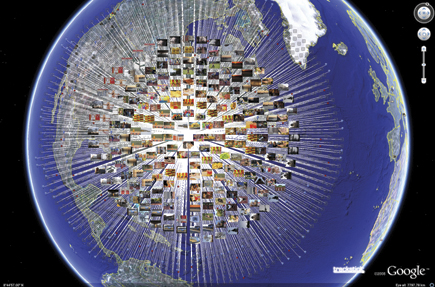
How many times have you traveled somewhere and taken a beautiful picture without quite knowing where you were at that instant later? That’s where “geotagging” (or “geocoding”) enters the picture. Geotagging is a way for you to give a digital photograph its geographic identity with two sets of data. First we have the individual image’s metadata-embedded timestamp (date and time) created at the moment of camera capture. Second are the geographic coordinates of the location (entered automatically or manually). That’s how geotagging got its moniker: to tag the image with embedded geo data.
 |
|
|
The manual approach is the laborious route to geotagging images, involving the use of a software application or online photo-sharing site. It requires you to “physically” drop the photograph (usually a JPEG) onto a map at its geographic coordinates or to actually enter these coordinates. Either approach is a rough approximation at best.
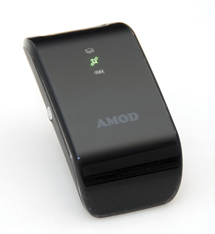
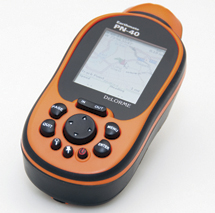
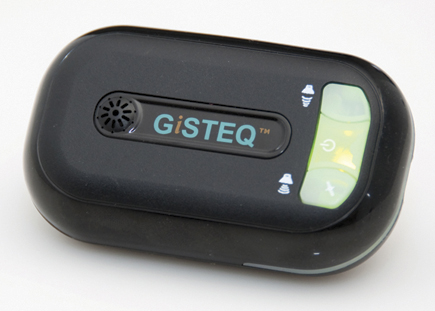
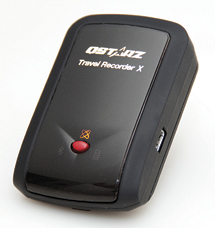
Alternatively, the process can be quite simple and largely automatic, involving just a few mouse clicks. Yes, software is still involved, but it’s a largely painless procedure (when the software is well designed). First it requires the use of a GPS receiver/logger—a device familiar to many of you, except that this one is usually smaller than a cell phone and routinely lacks a color display. This device records a track log of your (and your camera’s) movements. The data log records latitude and longitude coordinates at predefined intervals of time and/or space. Each point may also consist of altitude data (and possibly other related data, such as compass heading). This geographic data is initially garnered from a group of geostationary satellites that “talk” to the device, once it has established a GPS signal fix.
 |
|
|
 |
 |
||
|
|
 |
|
|
By the way, if you stand still long enough, the device may record this as a lull in activity and even go to sleep, until awakened by your movements, thereby saving battery power.
Each geotagging device comes with its own dedicated software designed to immediately recognize the geotagger. So, for the most part, it’s best to use this application, although there are other software programs available online (some as freeware) should this prove unsuitable to your needs.
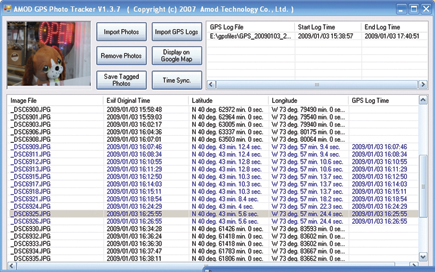
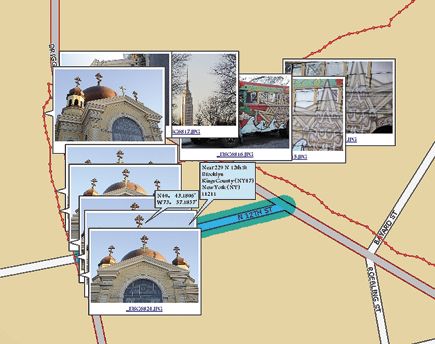
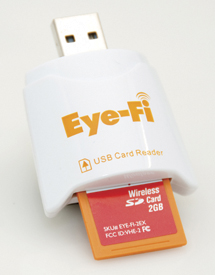
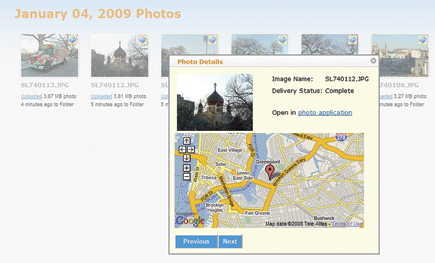
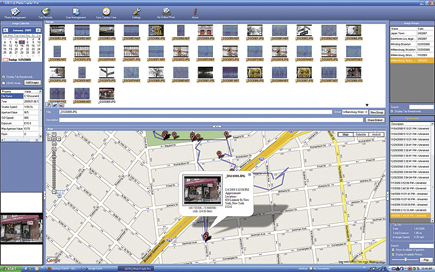
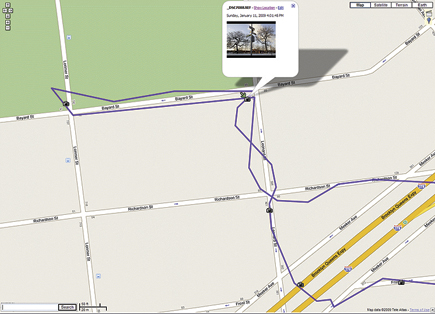
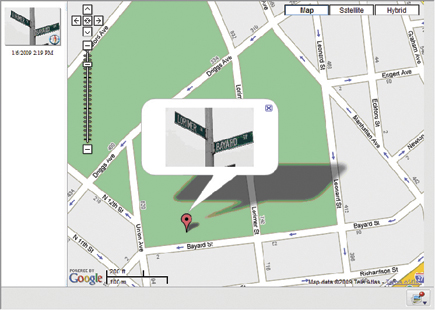
Once you’re done logging the trip, you normally take the accumulated data and feed it into the computer via a USB cable. The associated software application looks at this data, together with the images taken during the same time period and along the same route, and digests all that information. It then feeds it all back as a set of geotagged image files that can graphically pinpoint on a map the location where you took each picture (each as a placemark identified by a pushpin or inverse teardrop).
 |
|
|
 |
|
|
 |
|
|
 |
|
|
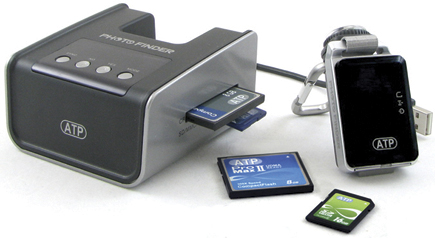
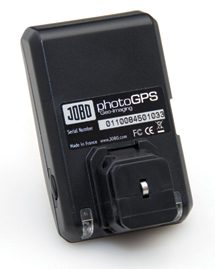
Dedicated devices (like dedicated strobes matched to the camera’s electronics) go one step further.
They use a dedicated connection (nominally, the remote terminal) on the camera and automatically embed the geo-coordinates in the file, thereby tagging each individual image instantly, at the moment of capture, without requiring you or software to intervene. A select few cameras come with a GPS logger built-in, offering the distinct advantages of the dedicated geologger, although not as robust feature-wise. Software is still used to view the images and tracks on a map.
Now, keep in mind that geotagging doesn’t identify what you photographed, but where you were standing at the time. For all practical purposes, the difference is negligible—unless your subject is a skyline across the harbor or a flock of flamingoes off in the distance. But at least you’ll have a geographic frame of reference in hand.
 |
|
|
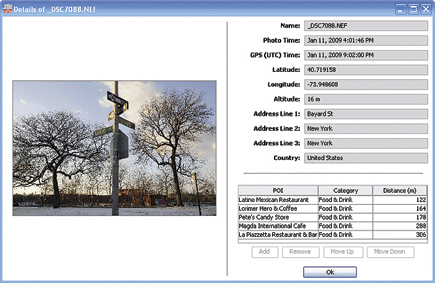
As we’ve noted, the geotagged image carries extra pieces of embedded metadata, namely the GPS coordinates, which we mere mortals have a tough time interpreting. Reverse geocoding by supported software apps (and they’re in the minority) takes those coordinates and translates them, giving us a location we can relate to, namely a city/region/state or (rarely) a street address. (If the supplied app doesn’t reverse geocode, try HoudahGeo, licensed from www.houdah.com—for Mac only. This one also works with raw files.)
 |
|
|
 |
 |
||
|
|
 |
|
|
 |
|
|
| |||||||||
|

| ||||||||


 FEATURED VIDEO


Get the Latest Photo Tips, News & Reviews from Shutterbug!







| Camera Reviews Other Reviews | |
Mobile Reviews Photography Reviews Columns | |
News | |
Features | |
How-To | |
Resources |
 © 2026 Shutterbug
AVTech Media Americas Inc., USA
All rights reserved